They scan.
You get paid.
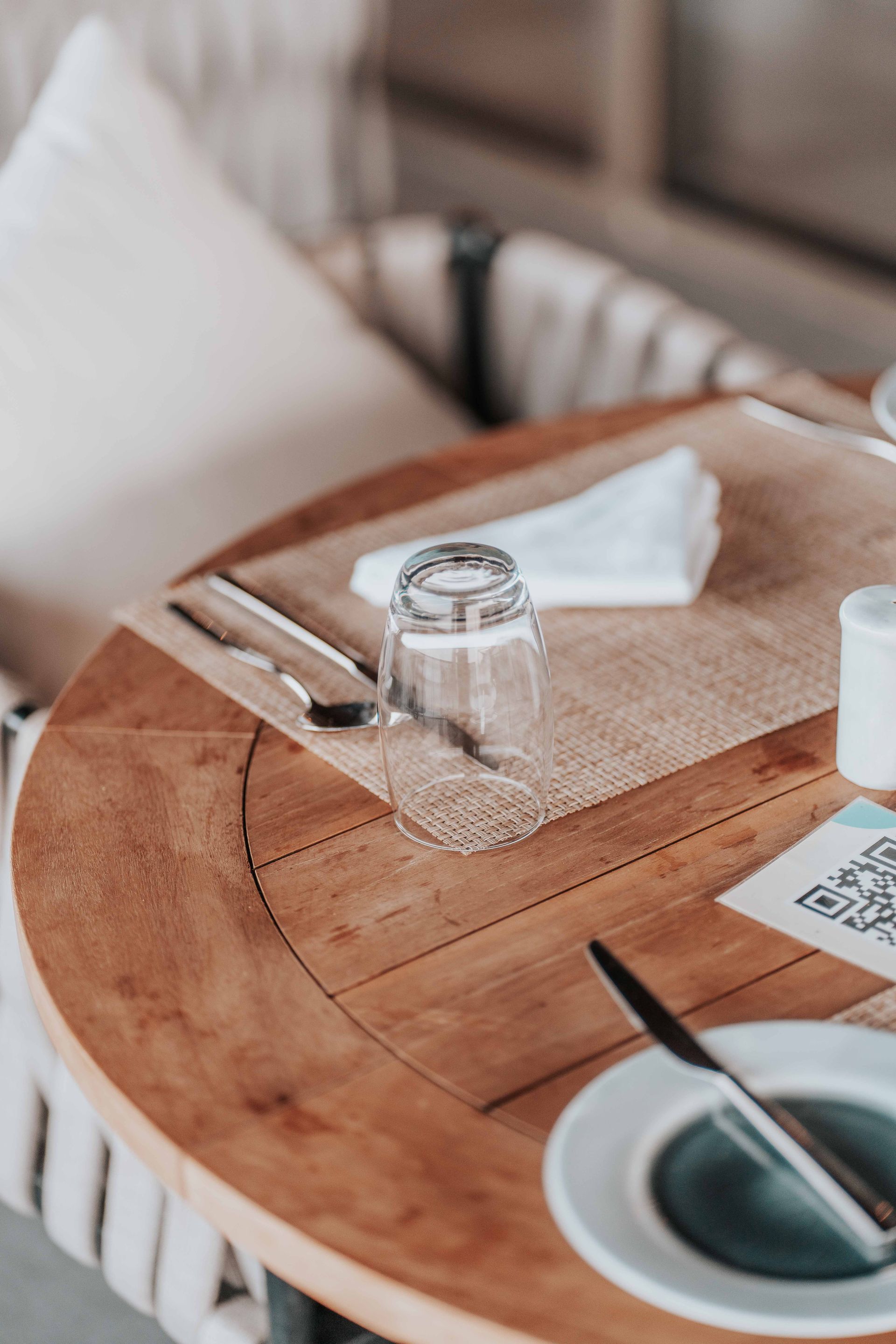
Put a QR code on every table. Customers order and pay from their phone, the order lands straight in your kitchen with the table number attached — and your staff spend their time serving, not taking orders.
No credit card required. Up and running in 30 minutes.

No specialist hardware required — run it on what you already own
Windows / Mac / Linux
Any laptop or desktop. Opens in a browser — nothing to install.
Tablet
iPad, Android or Amazon Fire. Prop it by the pass and go.
Raspberry Pi
Full kitchen display on a £35 board. No dedicated till needed.
SumUp · PayPal · Stripe
Use the provider you already have. Switch or add another anytime.
6×
Less staff time spent taking orders
Orders placed and paid from the table before staff are involved at all
20%
Bigger average orders
That extra side, dessert or second round gets added when ordering is effortless
0
Misheard orders
Every order arrives in the kitchen exactly as the customer typed it
30 min
From sign-up to first live order
Upload your menu, print your table QR codes, start taking orders today
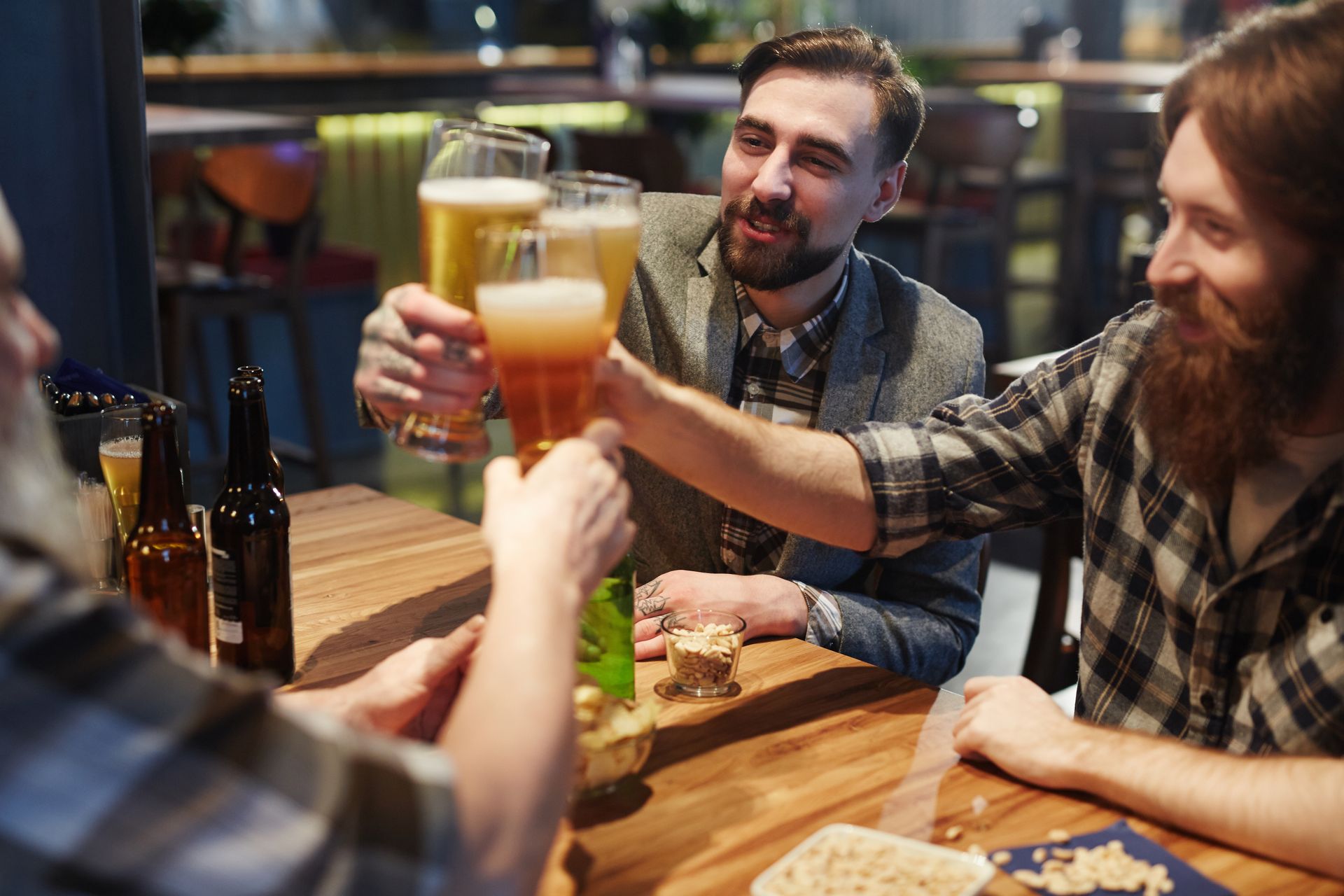
Built for cafés, restaurants, pubs and takeaways
If customers order food or drinks at your venue — or ring up for collection — TakingYourOrder takes the order for you, so your team can get on with making and serving it.
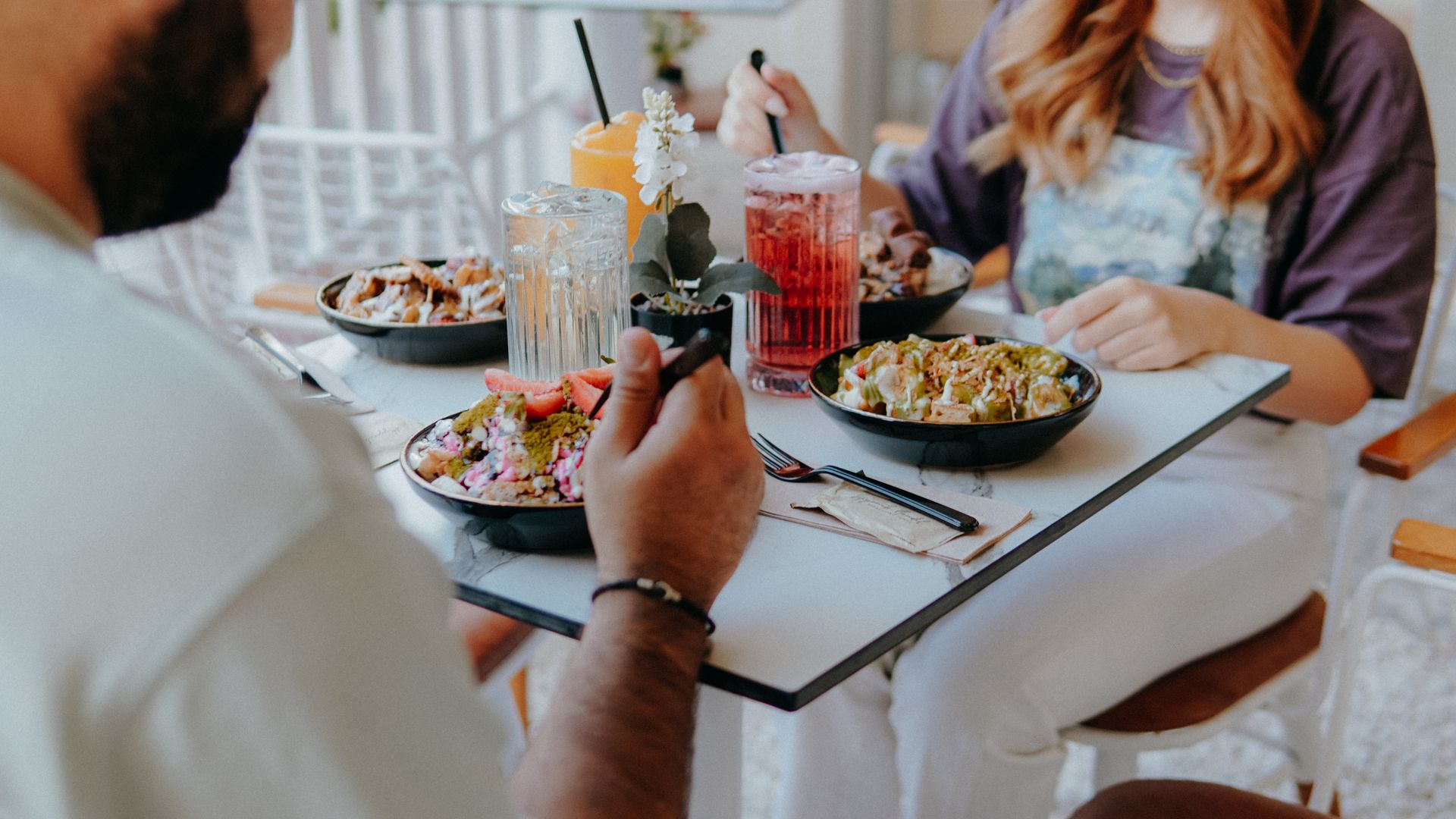
Cafés & Coffee Shops
Turn tables faster without hiring more staff
- ✓ Customers order their flat white and toastie from the table — no queue at the counter
- ✓ Regulars reorder in seconds from their phone
- ✓ Baristas make drinks instead of taking payments
- ✓ Perfect for busy weekend rushes with a small team

Restaurants
More covers, bigger orders, fewer mistakes
- ✓ A QR code on every table — order and pay without flagging down a waiter
- ✓ Extras and dietary notes captured exactly as the customer typed them
- ✓ Kitchen display shows every order the moment it's placed
- ✓ Guests add that extra side or dessert when it's effortless — average orders go up
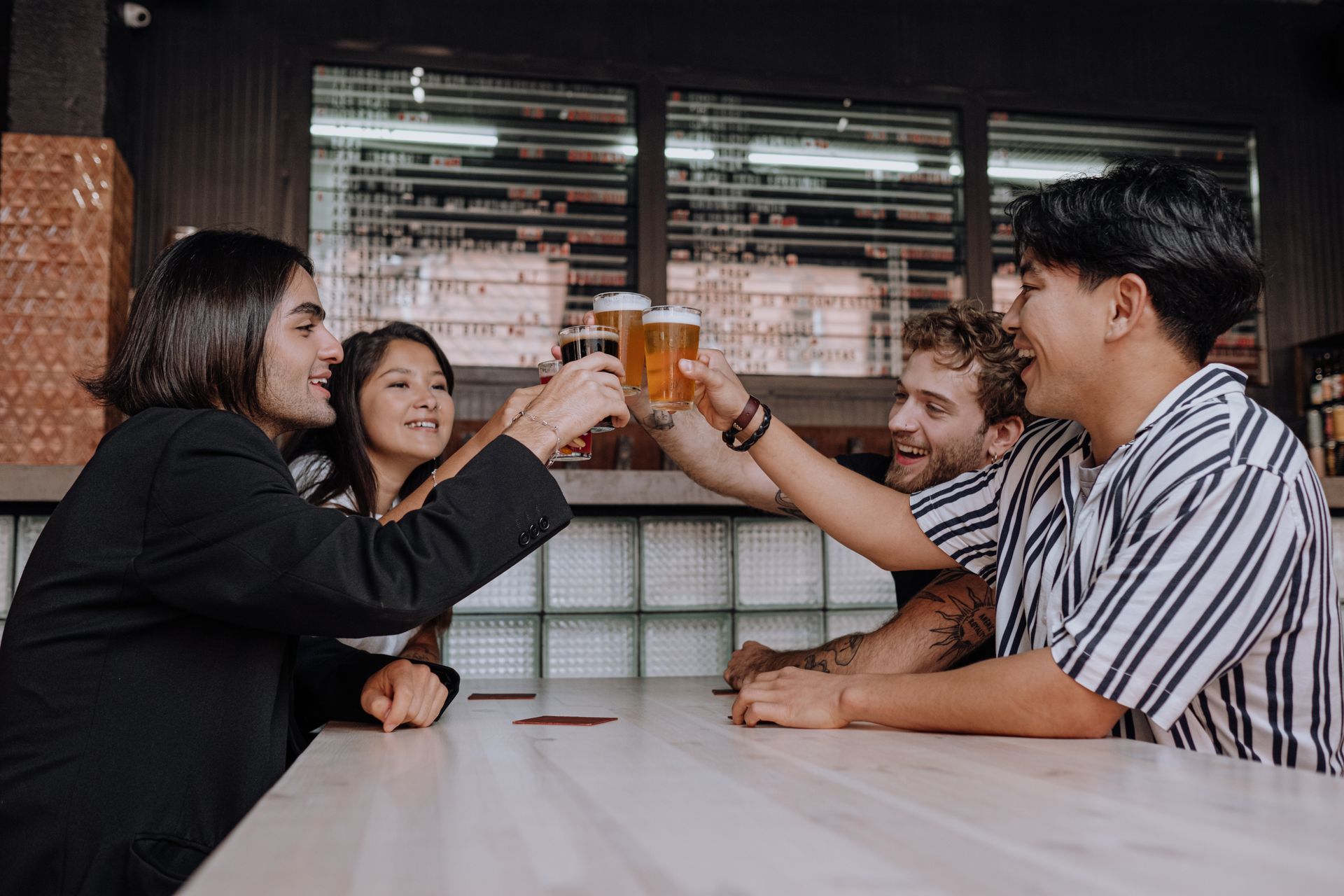
Pubs & Bars
No more three-deep at the bar
- ✓ Punters order the next round from their table — food and drinks together
- ✓ Table numbers on every order, so runners know exactly where to go
- ✓ Sunday lunch service without the carvery queue chaos
- ✓ Keep serving at the bar too — QR ordering runs alongside, not instead
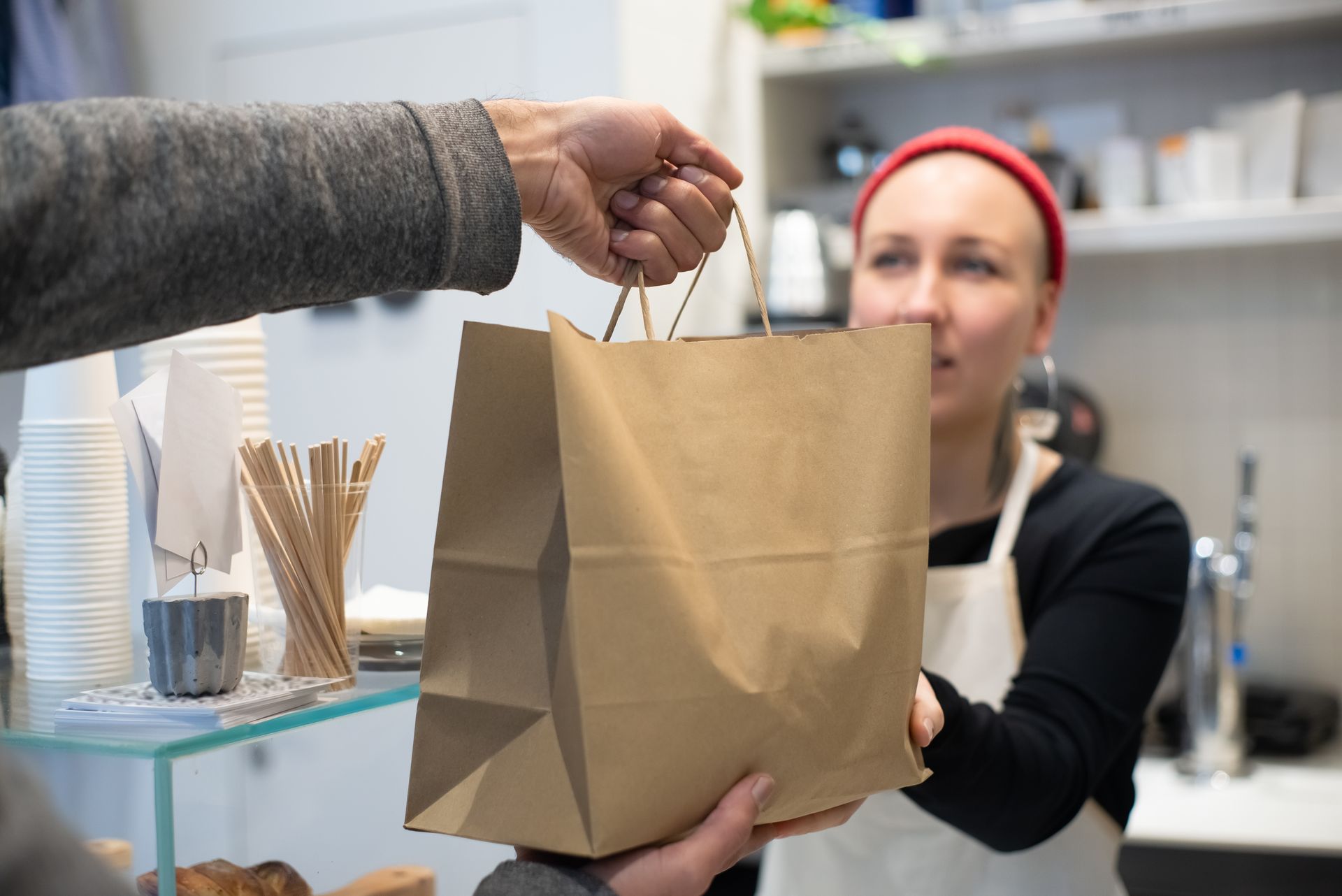
Takeaways
Click and collect without the phone ringing off the hook
- ✓ Customers browse the full menu and order ahead for collection
- ✓ No more mishearing orders over the phone at peak time
- ✓ Customers get notified the moment their food is ready
- ✓ Your own branded ordering page — no marketplace commission eating your margin
Everything you need to run your venue better
One platform from the first order of the day to closing your books at the end of the night.
Dynamic Menus
Build your full menu with categories, items, photos, extras and modifiers. Change prices, add specials, and hide sold-out items — all from your phone.
Order at Table
A QR code on every table. Customers scan, order and pay without leaving their seat — and every order arrives in the kitchen tagged with the table number.
Printable Menus & Table Cards
Generate print-ready menus and table tent cards with QR codes. Customers scan the item or the table card and it goes straight into their basket.
Kitchen Display Screen
Orders appear on your kitchen screen the instant they're placed. Mark items ready, manage prep — no paper tickets, no shouting, no missed orders.
Customer Notifications
When a collection order is ready, the customer gets a notification automatically. No calling names, no crowd forming at the counter.
Inventory Control
Set stock levels per item. Sold-out dishes disappear from the customer menu automatically. No more apologising mid-order.
Sales Analytics
See exactly what's selling, when your busiest sittings are, and where your profit comes from — then make smarter decisions about your menu and stock.
Profit & Loss Tracking
Enter your cost prices and TakingYourOrder calculates margin per dish and overall profit in real time. Know exactly where you stand at the end of every service.
Wastage Tracking
Log stock you've thrown away and see exactly what it's costing you. Over time you'll learn what to prep less of and cut your waste bill.
Multi-Provider Payments
Accept card payments and PayPal today. Apple Pay and Google Pay arrive with Stripe Connect — coming soon. You choose which providers suit your business.
Custom Branding
Set your theme colour, upload a banner image, and make your ordering page look like yours. Every customer who scans sees your brand, not ours.
Full-Screen QR Display
Drive a screen or TV at the counter showing your giant QR code. Customers spot it as they walk in and start ordering before they sit down.
Discount Codes
Create and share promotional codes — percentage off, fixed amount, or free items. Perfect for quiet weekdays, loyalty rewards, or bringing back repeat customers.
Works on Any Device
Manage everything from a £50 tablet, a till-side screen, or your phone. No specialist hardware required — if it has a browser, it works.
Multiple Sites, One Account
Your menus, QR codes and order history live in the cloud. Open a second site, refit the dining room, or run a pop-up — grab a tablet and carry on. Nothing to reinstall.
Never miss a single order, even at peak service
Every paid order appears on your kitchen screen instantly — with the table number attached. No scribbled tickets, no misheard phone orders, no shouted requests that get lost in the noise. One tap marks it preparing. Another tap marks it ready — and for collection orders, the customer's phone lights up the moment you do.
- ✓ Instant order stream — every paid order appears in seconds
- ✓ Table number on every dine-in order — food goes to the right place first time
- ✓ One-tap flow: New → Preparing → Ready → Collected
- ✓ Collection customers notified the instant their order is ready
- ✓ Works on any screen — tablet by the pass, laptop, second monitor
- ✓ Undo button and full shift history
#0184 · Table 6 · dine-in
Smashed Avo on Sourdough ×2
+ Poached egg
Flat White ×2
#0185 · Emma · collection 12:40
Halloumi & Roast Pepper Wrap ×1
− No onion
Victoria Sponge ×1
#0183 · Table 12 · dine-in
Soup of the Day ×2
+ Gluten-free bread
Kids Beans on Toast ×1
#0182 · Sam · collection
Bacon & Brie Toastie ×1
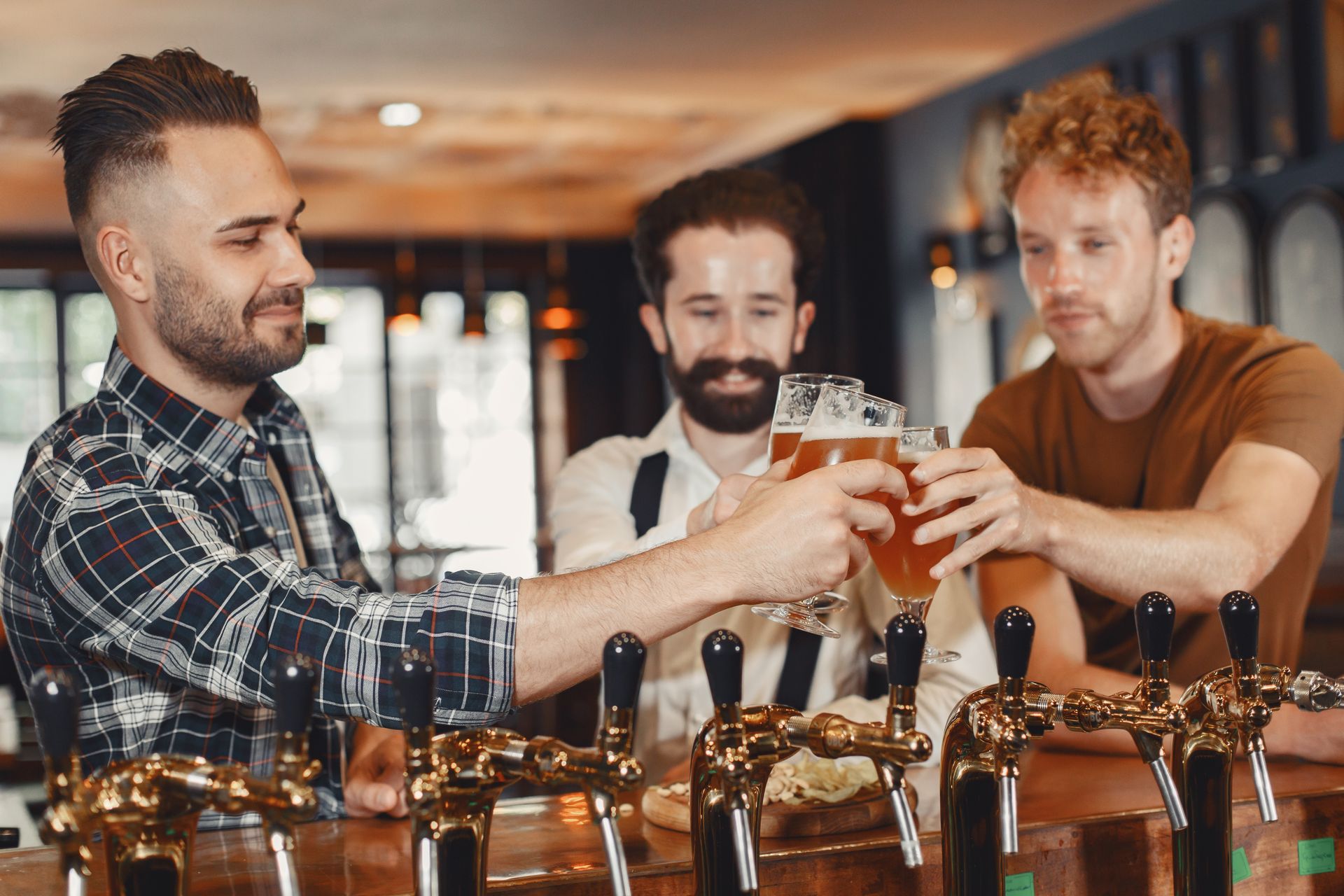
Serve more covers with the team you already have
When customers order and pay from the table, your staff stop being order-takers and become servers and makers. The bar stops being a bottleneck. The phone stops ringing. The kitchen just cooks.
Without TakingYourOrder
- ✗Customers wait to catch a waiter's eye — or queue three-deep at the bar
- ✗Staff take verbal orders — extras misheard, dietary notes missed
- ✗Someone walks to the till, takes payment, gives change
- ✗Phone rings mid-rush with a collection order nobody can hear properly
- ✗The kitchen works from scribbled tickets in three different handwritings
- ✗A table waits 15 minutes just to order — then orders less
- ✗Repeat for every single table, all service long

With TakingYourOrder
- ✓Customer scans the QR code on their table the moment they sit down
- ✓Orders with customisations and dietary notes — perfectly captured
- ✓Pays in seconds — card or PayPal, split bills without the drama
- ✓Kitchen board lights up instantly, tagged with the table number
- ✓Collection orders arrive the same way — no phone calls to answer
- ✓Staff deliver food and check on tables instead of taking orders
- ✓Tables order sooner, order more, and turn over faster.
Every table can order at once
Thirty tables can all place an order in the same minute — something no team of waiters could ever do. Venues using QR table ordering report bigger average orders, faster table turns, and calmer service at peak.
Your full menu — built in minutes, changed in seconds
Add categories, dishes, photos, pricing, variations (sizes, meal deals) and extras (add cheese, remove onion). Update prices on the fly, hide dishes that have sold out, and your live menu updates immediately — no reprinting required.
- ✓ Unlimited categories and items
- ✓ Single price or size/variation pricing (Small / Regular / Large)
- ✓ Extras and removals with + / − pricing
- ✓ Dish photos uploaded from your phone
- ✓ Cost price tracking for profit visibility per dish
- ✓ Changes go live on your menu the moment you save
Edit dish
✕Name *
Description
Price *
Cost per dish
Sizes
Extras
+ Add an extra
Printed menus and table cards — with a QR code on every item
Generate a professional A4, A3 or A2 print-ready menu with your venue's branding. Every dish has its own QR code — customers scan the item they want and it drops straight into their basket. Use them as table cards, wall menus, or window displays for passing trade.
- ✓ A4 / A3 / A2 sizes — table cards, wall menus, or window posters
- ✓ A QR code on every dish — tap to add directly to basket
- ✓ Venue QR code in the header for browsing the full menu
- ✓ Download as PDF or print directly from the browser
- ✓ Always up to date — regenerate any time you change your menu
The Willow Café
Scan any dish to add it to your basket
Smashed Avo on Sourdough
Poached egg, chilli flakes
£8.50
Halloumi & Roast Pepper Wrap
With house slaw
£7.90
Soup of the Day
With warm sourdough and butter
£6.20
Victoria Sponge
Baked this morning
£3.80
Know exactly what's working — and what isn't
See your top-selling dishes, busiest sittings, daily revenue and profit per item. Stop guessing which dishes to push and which to cut — let your actual data tell you.
- ✓ Top-selling dishes by quantity and revenue
- ✓ Revenue by day, week and service period
- ✓ Gross and net profit per dish (requires cost prices)
- ✓ Busiest and quietest hours at a glance
- ✓ Identify what to promote, reprice or remove
Analytics
Orders
214
Revenue
£2,341.50
Avg. order
£10.94
Gross profit
£1,624.80
Top sellers
Revenue by category
The ordering experience your customers will love
No app. No account. No waiting to catch someone's eye. Just scan, order, pay — and carry on with the conversation.
No App. Just Scan.
Customers scan the QR code on their table and your full menu opens instantly in their browser. No download, no account, no friction.
Live Order Status
From "Being Prepared" to "Ready" — customers see their order status update in real time. No hovering at the counter, no wondering where their food is.
100% Cashless
Secure card and mobile payments taken at the point of ordering. No walking to the till, no split-bill arguments, no waiting for the card machine.
Extras & Customisation
Extra cheese? No onions? Gluten-free? Customers add modifiers right in the menu — and the kitchen sees exactly what was requested, word for word.
From scan to served — the full customer journey
Real screenshots from the TakingYourOrder customer experience
The Willow Café
Table 4 · Kitchen open until 3pm
Brunch
Smashed Avo on Sourdough
Poached egg, chilli flakes
Halloumi & Roast Pepper Wrap
With house slaw
Cakes & Bakes
Victoria Sponge
Baked this morning
Step 1
Scan & browse at the table
Full menu on their phone — photos, extras, prices
Pay securely
Card · PayPal
Apple Pay & Google Pay — coming soon
Processed in seconds.
No trip to the till.
Step 2
Pay on their phone
Card or PayPal · Apple Pay & Google Pay coming soon
Being prepared…
Order number
#0042
Hi Emma!
Smashed avo on sourdough · poached egg
🔔 Sound alerts on
This page refreshes automatically.
Step 3
Watch it live
Real-time status on their screen — no hovering at the counter
Ready!
Order number
#0042
Hi Emma!
Your order is on its way to Table 4.
Eating in? We’ll bring it over. Collection? It’s waiting at the counter.
🔔 Sound alerts on
This page refreshes automatically.
Step 4
Served — or phone buzzes: Ready!
Dine-in orders go to the table; collection customers get an alert
Go cashless — if you choose
TakingYourOrder supports card, PayPal and Stripe — so if you want to go fully cashless, you can. No float to manage, no cash to count at the end of the night, and every payment traceable and instantly reconciled against its order. Or keep taking cash at the till alongside QR ordering — it’s entirely up to you.
Hygienic
Kitchen and bar staff never handle cash during food prep — reducing contamination risk and satisfying food hygiene requirements.
Secure
No cash walking out the door. Every payment is digital, traceable and instantly reconciled against your orders.
Fast
Payment happens at the moment of ordering — no waiting for the card machine to come to the table, no queue at the till.
Up and running in 30 minutes
No developer. No tech skills. Just follow these steps.
Create your account
Register free. Your branded ordering page at yourname.takingyourorder.com is created instantly.
Build your menu
Add categories, dishes, photos, extras and pricing. Your live menu updates as you type.
Put QR codes on your tables
Print table cards, stick one on the counter, put one in the window — or share the link for collection orders.
Start taking orders
Orders arrive on your kitchen board with table numbers attached. Customers pay on their phones. You focus on the food.
What venues are saying
“Saturday brunch used to mean a queue out the door and one member of staff glued to the till. Now people order from the table and my whole team is making food and drinks. We turn tables noticeably faster.”
Sarah M.
The Corner Café
“We put a QR card on every table in the beer garden. Food and drink orders come straight to the kitchen with the table number on them — nobody queues at the bar and the runners always know where to go.”
Tom K.
The Plough Inn
“Half our phone orders used to have something misheard in them. Now collection customers order from the menu page and it's right every time. The notification when it's ready has basically emptied our waiting area.”
Priya R.
Spice Route Takeaway
12 reasons venues choose TakingYourOrder
Everything built for the reality of running a café, restaurant, pub or takeaway.
Live in 30 minutes
Register, upload your menu and your QR-code ordering page is ready. No developer needed.
No app for customers
Customers order through their phone browser — nothing to download, nothing standing between them and their order.
Go cashless if you choose
Card and PayPal live now. Apple Pay and Google Pay coming soon via Stripe. Go fully cashless or keep the till — it's your call.
Table numbers on every order
Dine-in orders arrive tagged with the table, so food goes to the right place first time — even when it's slammed.
Branded to your venue
Upload your logo, choose your theme colour, and your ordering page looks like you — not a generic checkout page.
Specials & seasonal menus
Run a Sunday lunch menu, a Christmas menu or a lunchtime-only offer — separate items, pricing and branding, live in minutes.
Know your numbers
Top sellers, hourly revenue, profit per dish — all the data you need to run a tighter, more profitable venue.
No marketplace commission
Delivery apps take 15–35% of every order. Your TakingYourOrder page is yours — direct orders, your brand, your customers, your margin.
Secure by default
Every account is protected with email MFA. Your dashboard, your data, your business.
Printed QR menus & table cards
Generate print-ready menus and table cards with QR codes. Pin them up, pop them on tables, or stick them in the window.
Automatic stock control
Running low? Sold out? Dishes hide themselves from the customer menu automatically so you never disappoint.
Your own branded URL
yourname.takingyourorder.com — share it everywhere. Every customer who clicks lands on your menu, not a marketplace.
Simple, honest pricing
Start free on PAYG. Upgrade when you need the extra tools. No hidden fees, no long contracts, no per-terminal charges.
Starter
£0/month · 2.0% platform fee + Stripe processing
Core ordering — free to use
- ✓Your own ordering page (yourname.takingyourorder.com)
- ✓QR code to print and display at your van
- ✓Live kitchen board
- ✓Menu management
- ✓Email order confirmations
- ✓2.0% platform fee per order + Stripe card processing (~1.5% + 20p) — £0 when not trading
Trader
No per-transaction fee
Everything you need to trade
- ✓Your own ordering page (yourname.takingyourorder.com)
- ✓QR code to print and display at your van
- ✓Live kitchen board
- ✓Menu management
- ✓Email order confirmations
- Also includes
- ✓Inventory management *
- ✓Wastage tracking *
- ✓Print menu PDFs *
- ✓Live wait time display *
Pro
No per-transaction fee
Full platform for busy venues
- ✓Your own ordering page (yourname.takingyourorder.com)
- ✓QR code to print and display at your van
- ✓Live kitchen board
- ✓Menu management
- ✓Email order confirmations
- Also includes
- ✓Inventory management *
- ✓Wastage tracking *
- ✓Print menu PDFs *
- ✓Live wait time display *
- ✓Event pricing presets *
- ✓Sales analytics & P&L *
- ✓Staff cost tracking *
* Available on premium subscription tiers only.
Costs less than 2 hours of staff time a month.
The Trader plan is £19/month — less than two hours of one waiter's wages. Yet it takes orders at every table simultaneously, runs your kitchen display, handles payments, and reconciles your end-of-night figures. In one platform. On devices you already own.
Just starting out? PAYG is made for you.
On PAYG you only pay when orders come through — 2% per transaction, nothing else. Quiet January? You pay next to nothing. It's the zero-risk way to bring QR ordering into your venue without adding a fixed cost.
Busy venue? Monthly costs less.
If your tables are full every service, a flat monthly plan replaces the per-transaction fee entirely — the more orders you take, the more you save compared to PAYG. All plans include every feature: no tier restrictions.

For cafés · restaurants · pubs · takeaways
Put a QR code on every table. Start serving smarter today.
Runs on any tablet, Raspberry Pi or PC. Works with SumUp, PayPal and Stripe. Set up is free, takes 30 minutes, and your first order could arrive before tonight's service.
Open your venue free →No credit card. No setup fee. Cancel anytime.
Frequently asked questions
Everything café, restaurant, pub and takeaway owners ask us before signing up.
What is TakingYourOrder and how does it work?
+
TakingYourOrder is a QR ordering platform built for UK cafés, restaurants, pubs and takeaways. You get a branded ordering page at yourname.takingyourorder.com, printable QR codes for your tables, and a live kitchen display board. Customers scan the QR code, browse your menu, order and pay on their phone — and the order lands in your kitchen instantly, tagged with the table number. No app download required.
Does TakingYourOrder have a monthly fee?
+
You choose the plan that suits your venue. The PAYG plan has no monthly fee at all — you pay 2% per transaction only when orders come through, making it a zero-risk way to try QR ordering. If your venue is busy every service, a flat monthly plan works out cheaper by removing the per-order cost entirely. Both plans include the full TakingYourOrder platform with no feature restrictions.
Do my customers need to download an app?
+
No app required — ever. Your customers scan a QR code with their phone camera and your full menu opens instantly in their mobile browser. There's no download, no account creation, and no friction standing between them and placing an order. This is one of the biggest differences between TakingYourOrder and traditional hospitality EPOS systems.
How does order-at-table work in a pub or restaurant?
+
Each table gets its own QR code — print them as table cards straight from your dashboard. When a customer scans and orders, the order arrives on your kitchen display tagged with that table number, already paid. Your staff deliver food to the table instead of taking orders and payments, so you serve more covers with the same team. Customers can order the next round without anyone going to the bar.
Can I use TakingYourOrder for takeaway and click-and-collect?
+
Yes. Customers order ahead from your branded menu page and pay online, and your kitchen sees the order instantly. When you mark it ready, the customer gets a notification on their phone — no more shouting names across the shop or answering the phone mid-rush. Because it's your own ordering page, there's no marketplace commission taking 15–35% of every order.
What payments can my customers use?
+
Customers can currently pay by card and PayPal — all processed securely at the point of ordering. Apple Pay and Google Pay are coming soon via Stripe Connect. Every payment is recorded digitally and instantly reconciled against its order, so end-of-night close-out takes seconds.
How is TakingYourOrder different from a standard EPOS till?
+
A traditional EPOS still needs a member of staff to take every order — customers wait to order, wait to pay, and mistakes creep in between the table and the till. TakingYourOrder shifts order-taking to the customer's phone: every table can order at the same moment, payment happens up front, and the kitchen display shows each order the second it's paid. There's no till hardware to rent and no monthly fee on PAYG.
What hardware do I need to run TakingYourOrder?
+
None that you don't already own. TakingYourOrder runs in a browser on any Windows PC, Mac, tablet (iPad, Android, Amazon Fire) or Raspberry Pi. Prop a tablet by the pass and you have a full kitchen display and order management system — no dedicated till, no POS machine, no card reader. For card payments, TakingYourOrder works with SumUp, PayPal and Stripe — use whichever you already have.
How long does it take to set up?
+
Most venues are live within 30 minutes. Register, upload your menu, print your table QR cards, and you're taking orders. No developer needed. No tech skills required.
Will it work alongside my existing till and card machine?
+
Yes. QR ordering runs alongside whatever you already have — plenty of venues keep taking orders at the bar or counter as normal and let QR ordering absorb the overflow. There's nothing to integrate or replace on day one, and you can go further whenever you're ready.
Can I track my sales and profit?
+
Yes. The analytics dashboard shows your top-selling dishes, revenue by day or service period, gross and net profit per item (when you enter cost prices), and your busiest hours. You can use this to make smarter decisions about your menu, pricing, and stock ordering.